Android · Live Internet Radio
World Radio app icon

The whole world, one tap away.

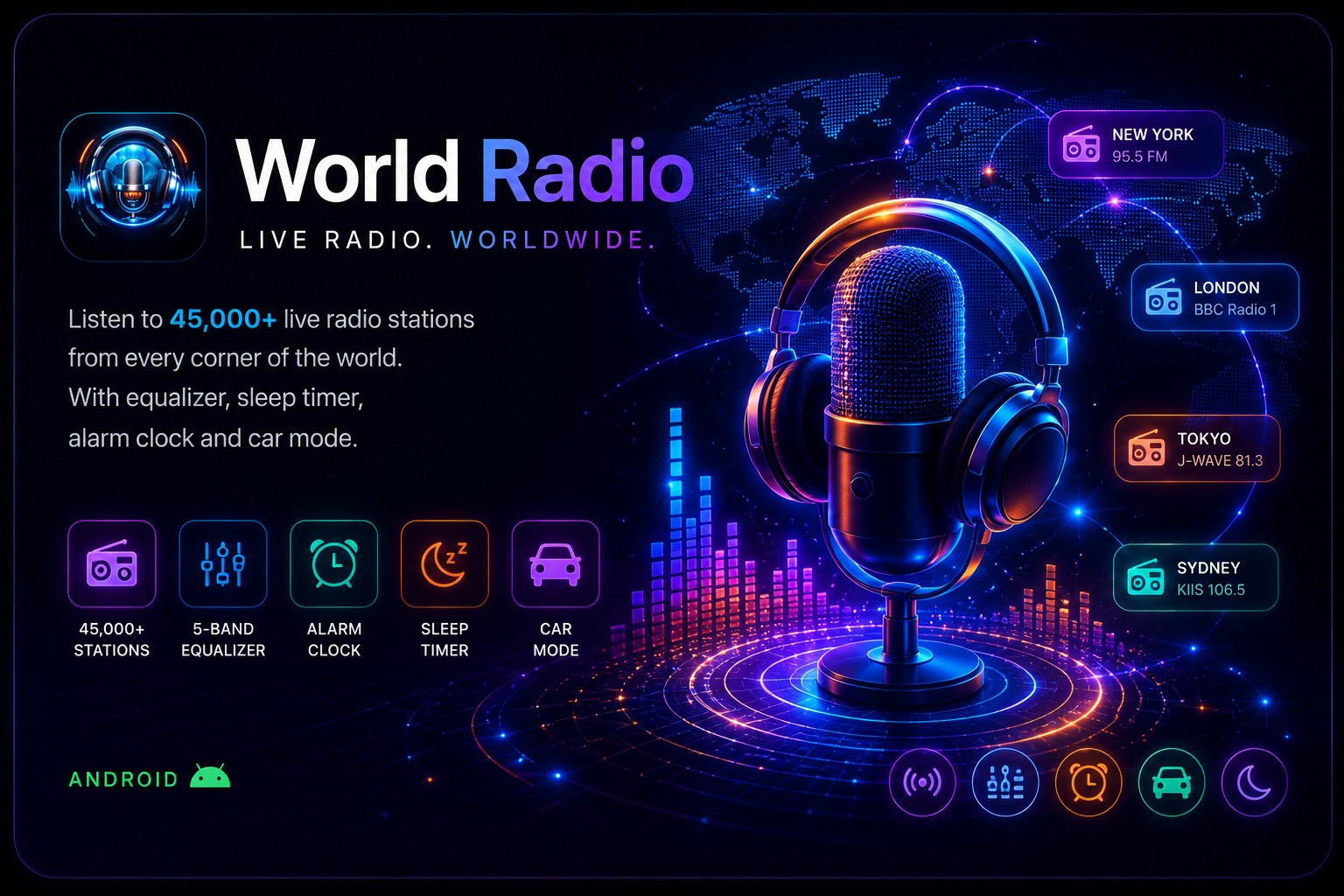
World Radio streams live stations from every corner of the planet — with a real equalizer, animated visualizers, a radio alarm clock, sleep timer and car mode. Completely free.

1000sLive stations
11Visualizer styles
15Languages
100%Free
Inside the app
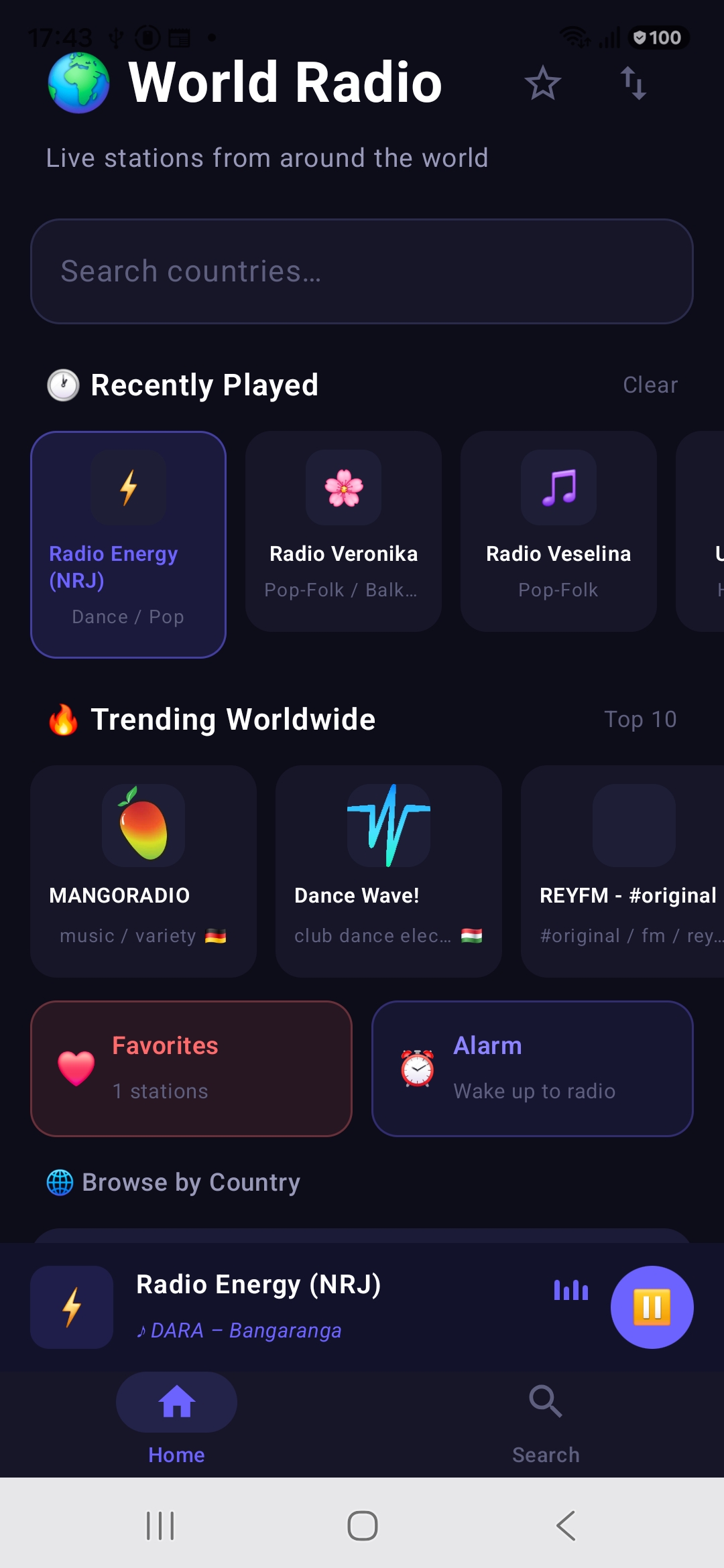
World Radio home screen with Recently Played, Trending Worldwide, Favorites and Alarm shortcuts and the mini player
01 · Home

Everything you listen to, on one screen

The home screen puts your whole radio life in front of you. Recently Played brings back the stations you just heard, while 🔥 Trending Worldwide shows the Top 10 stations people are listening to right now across the globe.

One-tap cards jump straight to your Favorites and the Alarm, and the mini player at the bottom keeps the current station — and the song playing on it — always in reach.

  • Reorder button (top right) — arrange your country list exactly how you want it
  • Tap & hold a country you've added to remove it from the list — the same works for stations you've added
  • Search bar to instantly find any country
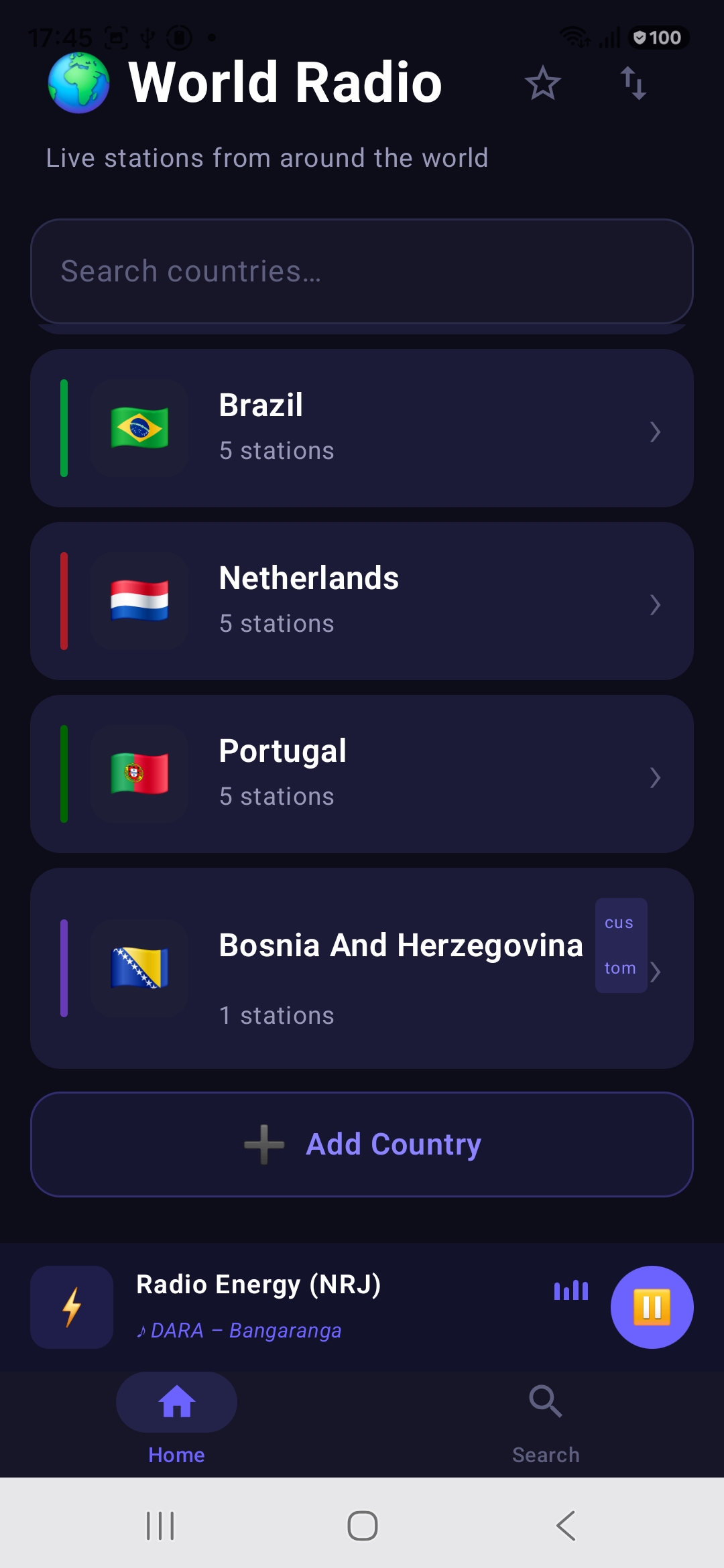
Browse by Country list with flags, station counts and an Add Country button
02 · Browse by Country

Build your own map of the radio world

Browse stations country by country — each entry shows the flag and how many stations are inside. Brazil, the Netherlands, Portugal, Bosnia… and when a country you want isn't there yet, just hit + Add Country and it joins your list.

The list is yours to control: reorder countries so your favorites sit on top, and remove any country you've added with a simple tap & hold. Radio keeps playing in the mini player the whole time you browse.

Country flags Station counts + Add Country Custom order
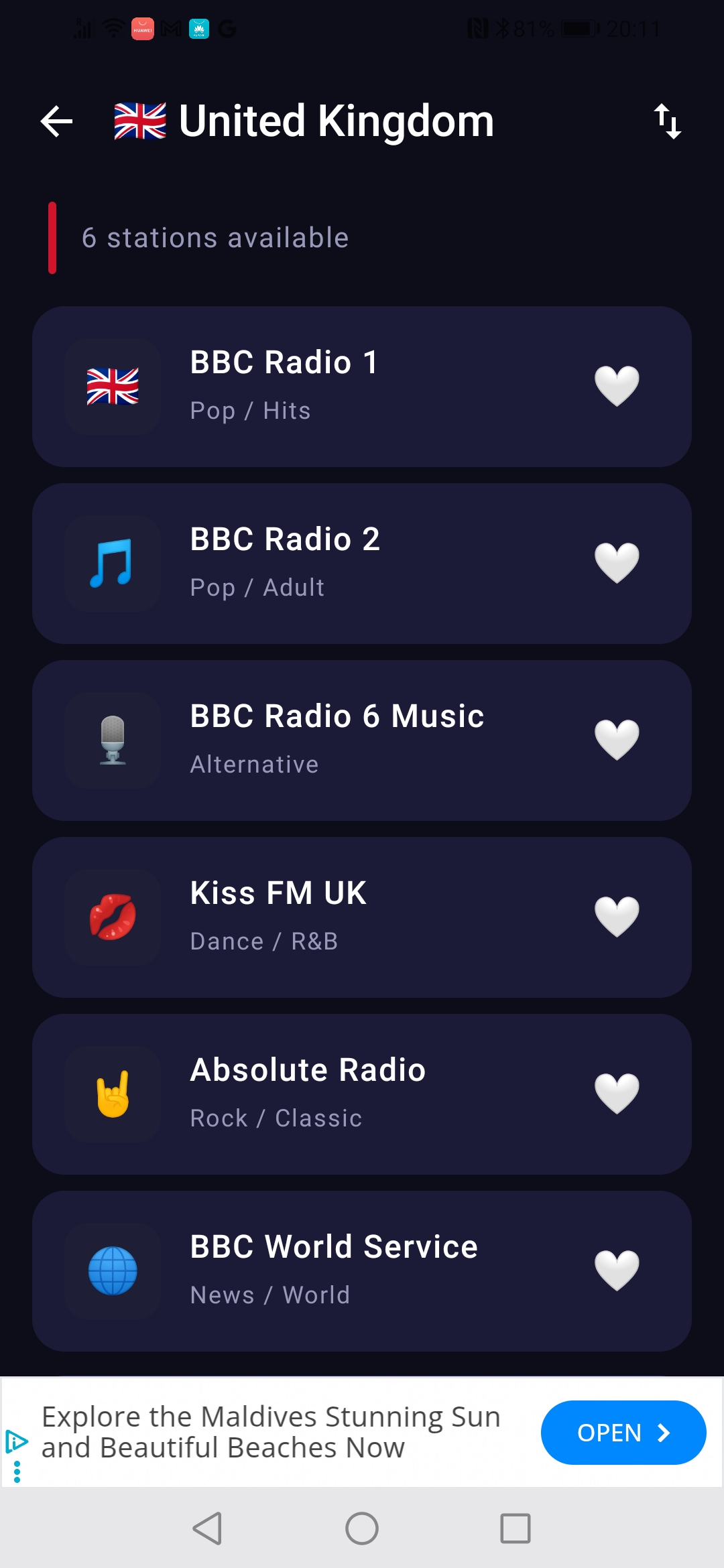
Station list for United Kingdom with BBC Radio 1, BBC Radio 2, BBC Radio 6 Music, Kiss FM UK, Absolute Radio and BBC World Service, each with a genre and a favorite heart
02b · Stations

Pick a station, tap the heart

Open any country and you get a clean list of its stations — each with its own logo, name and genre, from BBC Radio 1 and BBC Radio 6 Music to Kiss FM UK and BBC World Service. Tap the ❤️ on any station to save it straight to your Favorites.

Just like the country list, this one is yours to arrange: use the reorder button in the top corner to sort your stations, and tap & hold any station you've added yourself to remove it.

Genre labels One-tap favorites Reorder stations Station logos
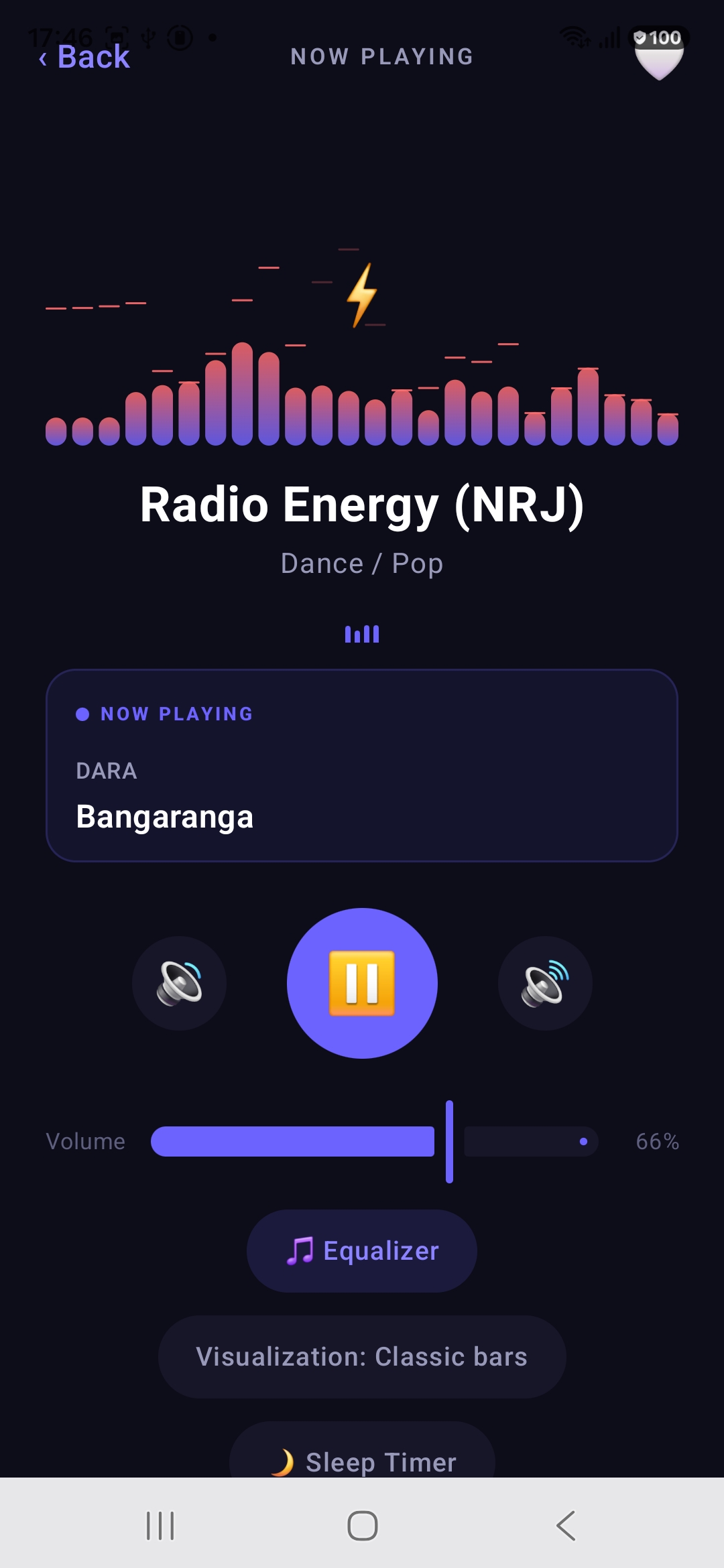
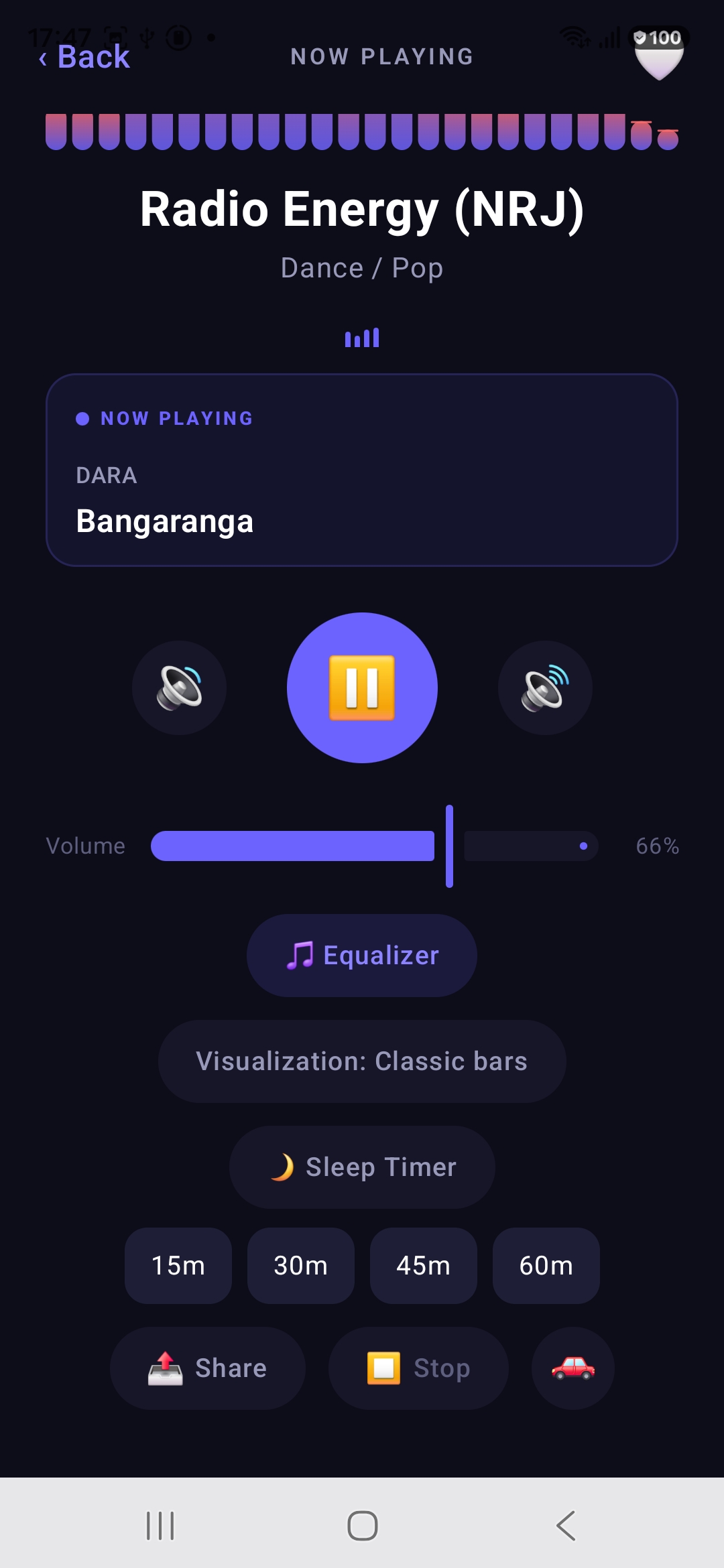
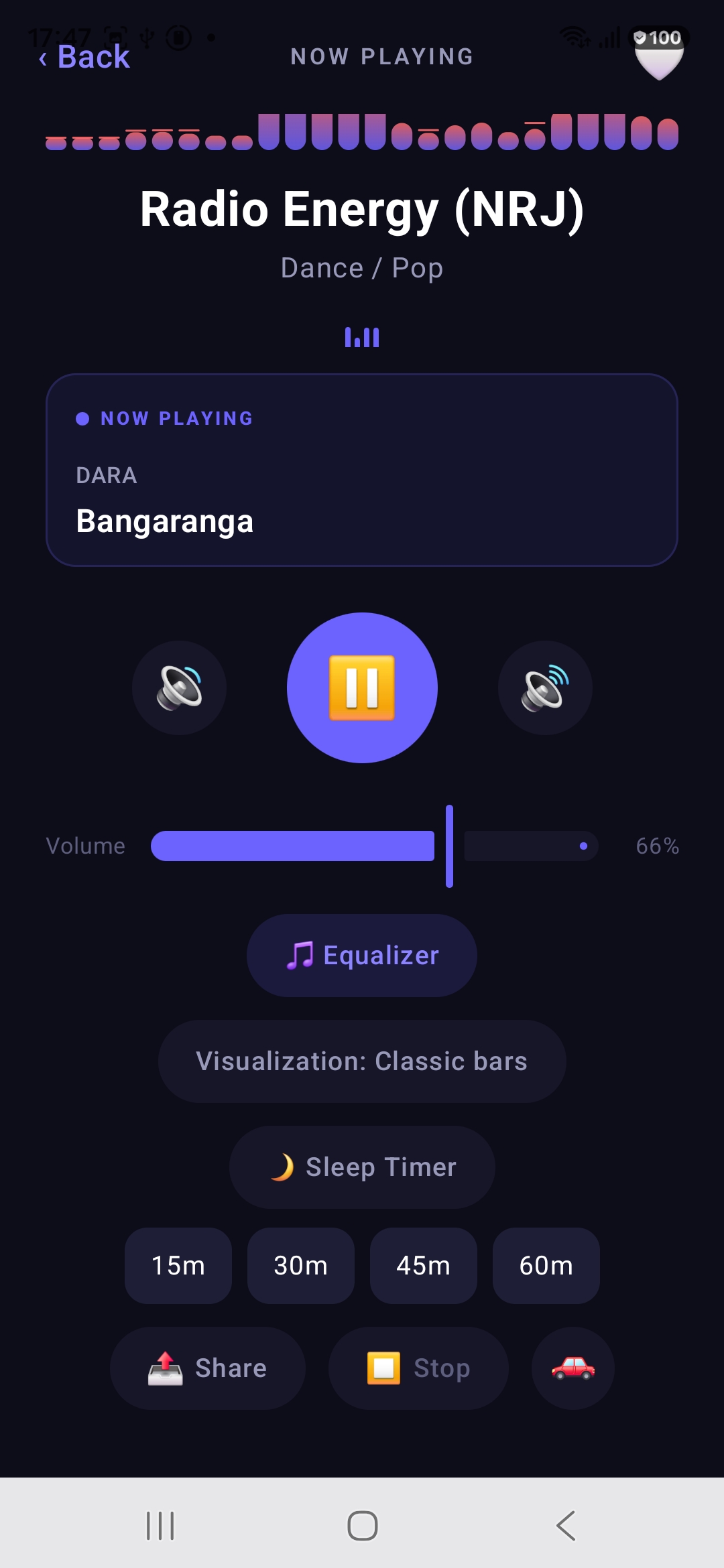
Now Playing screen with animated visualizer, live song metadata, volume slider and quick access to Equalizer and Sleep Timer
03 · Now Playing

A player that shows you the music

The Now Playing screen is the heart of the app. An animated spectrum dances above the station name, and the NOW PLAYING card shows the artist and song title live, straight from the station's stream.

Skip to the previous or next station with the side buttons, pause with the big central control, and fine-tune the loudness with the dedicated in-app volume slider. Equalizer, visualization style and sleep timer are all one tap below.

  • Live artist & song metadata from the stream
  • Previous / next station switching without leaving the player
  • Precise volume slider with percentage readout
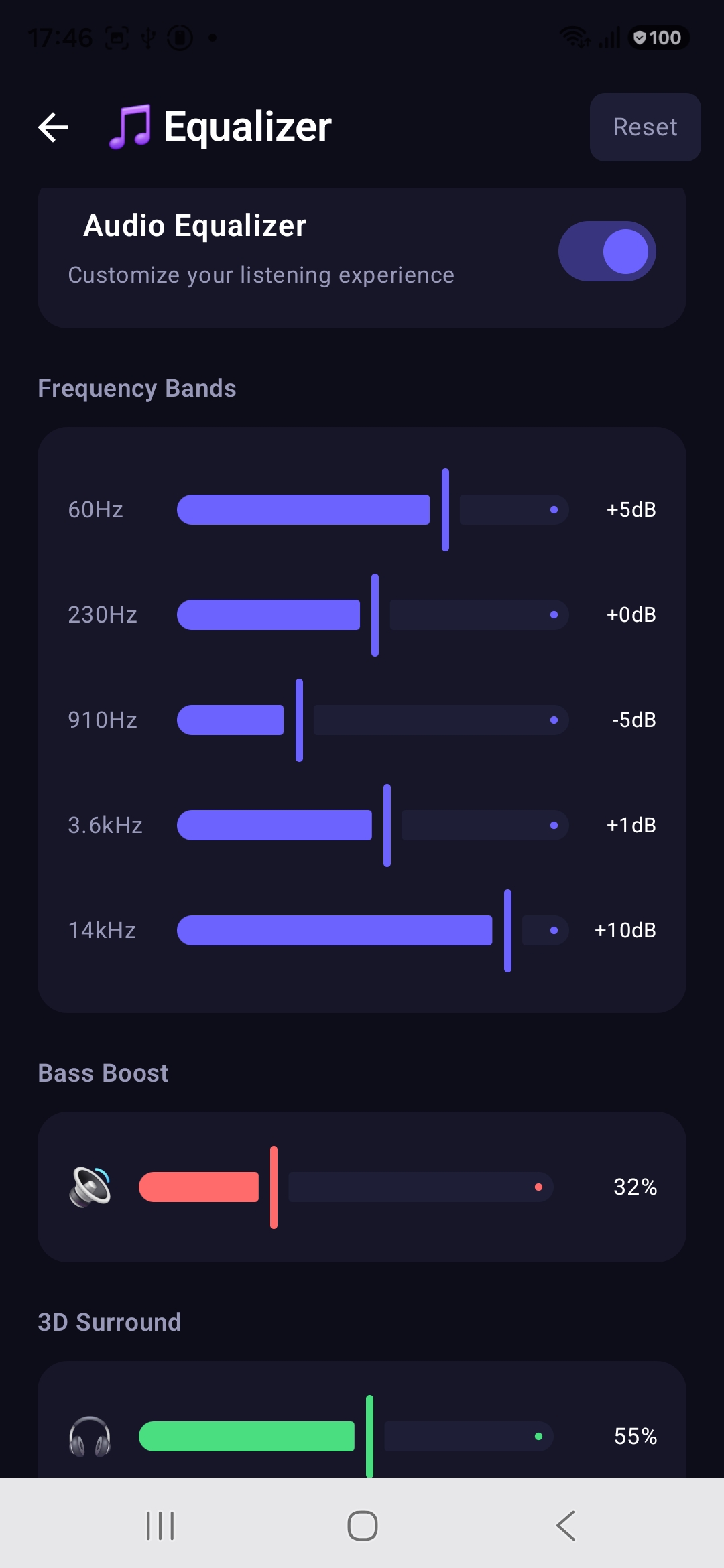
Audio equalizer with five frequency bands, bass boost and 3D surround controls
04 · Equalizer

Shape the sound to your ears

A real audio equalizer, built in. Five frequency bands — 60 Hz, 230 Hz, 910 Hz, 3.6 kHz and 14 kHz — let you lift the bass, tame the mids or add sparkle to the highs, each adjustable from −15 to +15 dB.

Below the bands, Bass Boost adds physical punch and 3D Surround widens the stage for headphones. One switch turns the whole chain on or off, and Reset takes you back to flat in a tap.

5 bands Bass Boost 3D Surround One-tap Reset
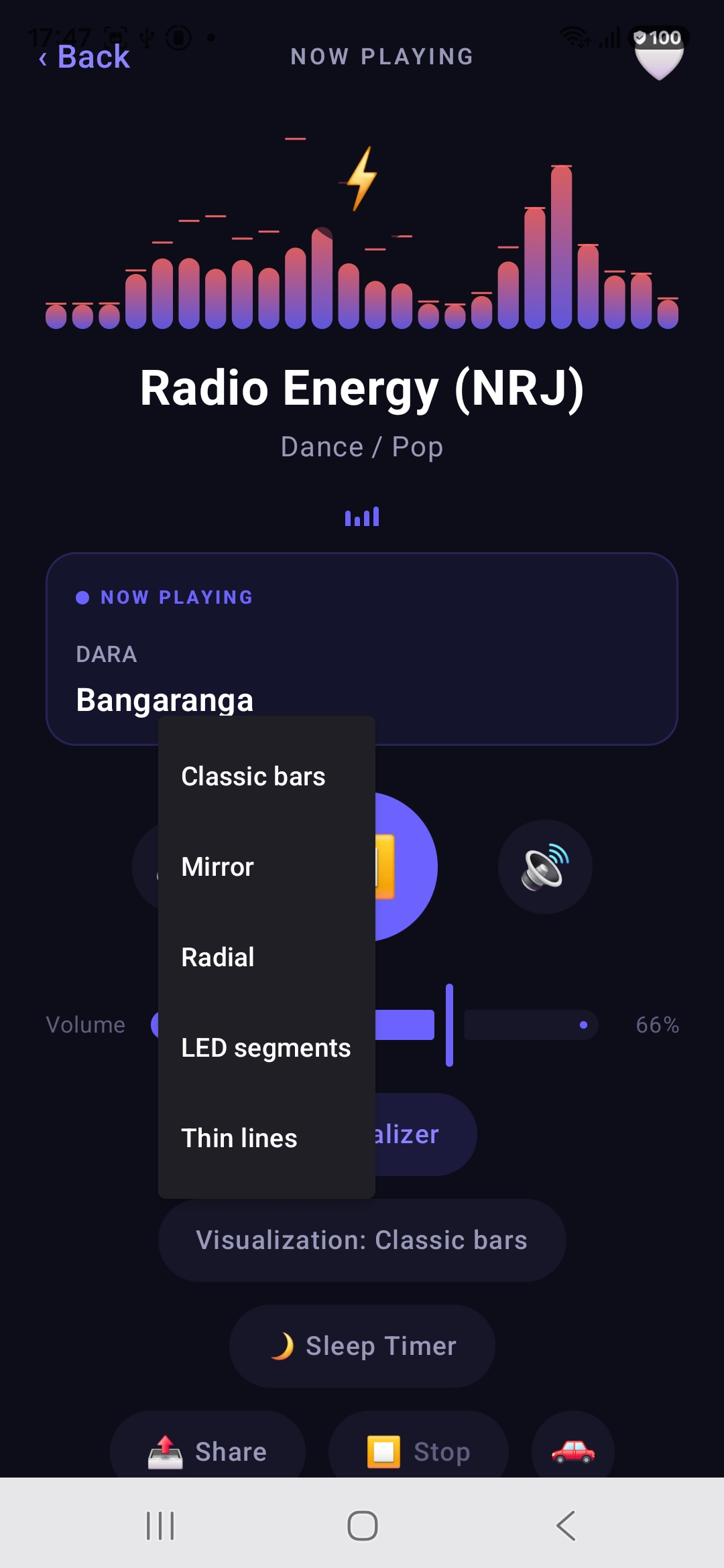
Visualization style picker with Classic bars, Mirror, Radial, LED segments and Thin lines
Now Playing screen rendered with the LED segments visualizer style
05 · Visualizers

Eleven ways to watch the sound

Music you can see. Eleven distinct visualizer styles that react in real time to whatever is playing — from classic bars and analogue VU needles to a DNA helix, an orbiting planet system and a 3D tunnel of blocks.

Switching is instant: tap the Visualization button on the player, choose a style, and the spectrum redraws on the spot. Each style has its own character, from smooth classic bars to a crisp LED-segment wall.

Classic bars Mirror Radial LED segments Thin lines VU meters DNA helix Orbit system 3D Blockwave Sound wave Headphones
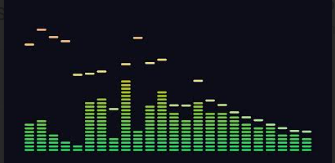
Classic bars visualizer: green LED columns with peak markers floating above them

Classic bars

A full spectrum in green, with peak markers that hang for a moment above each band.

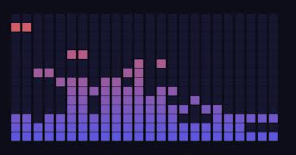
LED segments visualizer: a grid of individual violet segments lighting up band by band

LED segments

A wall of separate segments that light up one by one — the crispest of them all.

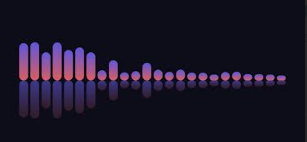
Mirror visualizer: rounded violet bars with a soft reflection underneath

Mirror

Rounded bars with a soft reflection underneath, as if the sound were sitting on glass.

Radial visualizer: the spectrum wrapped into a circle, radiating out from the centre

Radial

The same spectrum wrapped into a circle, radiating outwards from the centre.

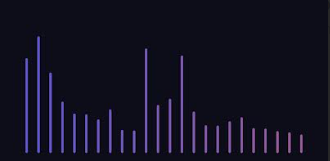
Thin lines visualizer: minimal hairline bars in a violet to blue gradient

Thin lines

Minimal hairlines for a quiet, uncluttered player that stays out of the way.

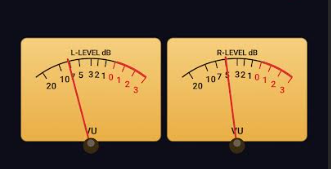
VU meters visualizer: two analogue needle meters showing left and right channel level in decibels

VU meters

Two analogue needles swinging with the left and right channel, straight out of a vintage amplifier.

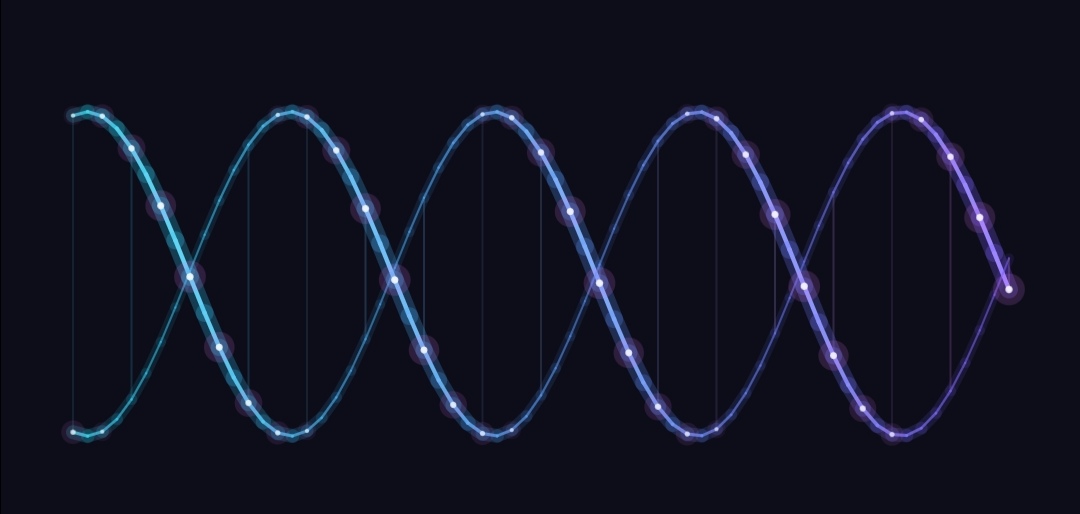
DNA helix visualizer: two glowing strands in cyan and violet twisting around each other with light points along them

DNA helix

Two glowing strands twisting around each other. Bass opens the helix out, the highs light up the points running along it.

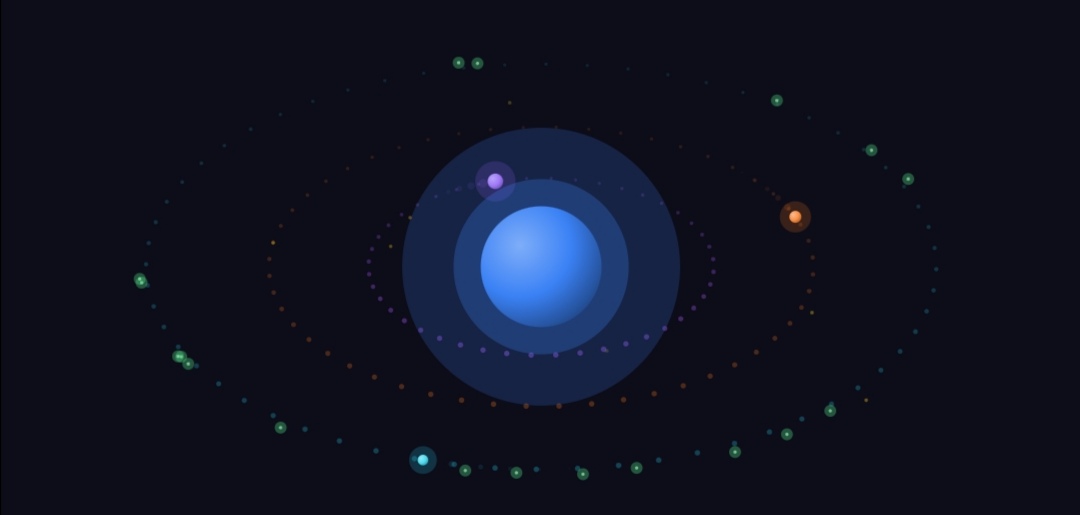
Orbit system visualizer: a glowing blue core with three elliptical orbits of particles and planets around it

Orbit system

A core that pulses with the low end, circled by three orbits — each one tied to its own part of the spectrum. A strong beat sends the particles flying outwards.

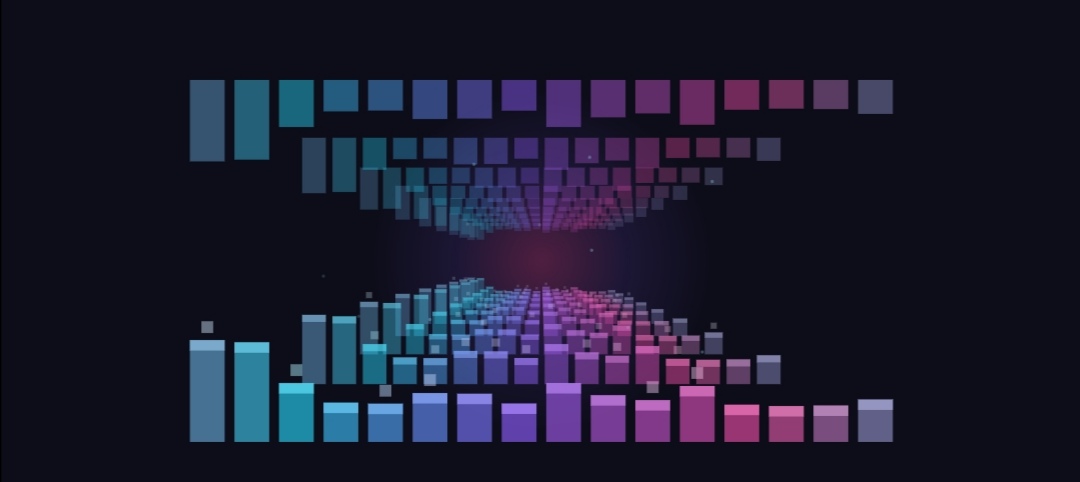
3D Blockwave visualizer: a tunnel of coloured blocks receding towards a glowing vanishing point

3D Blockwave

A tunnel of blocks flying towards you, rising and falling with the bass while the colours drift from purple through magenta to cyan.

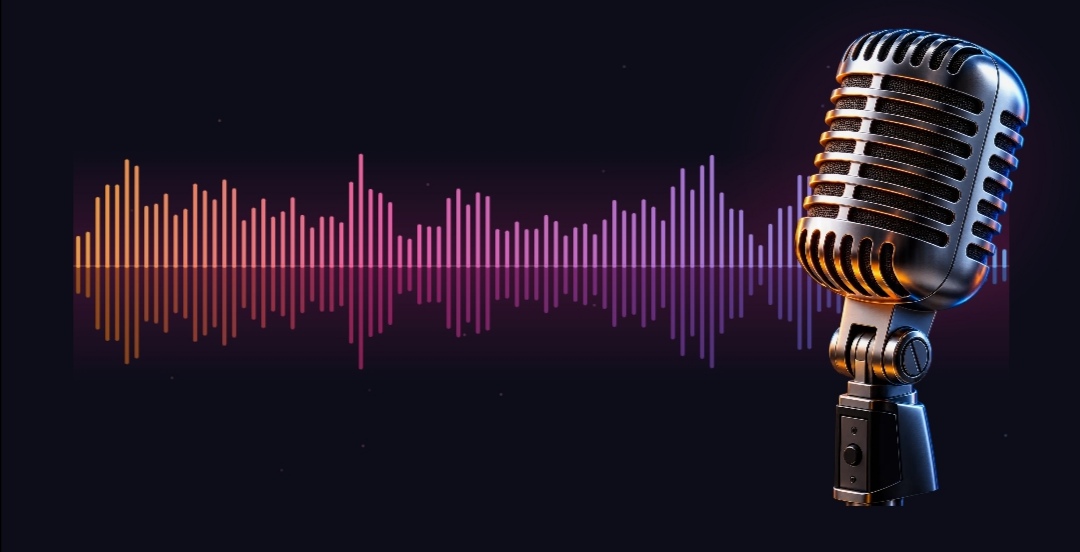
Sound wave visualizer: a dense waveform mirrored around a centre line with a vintage microphone at the right

Sound wave

A dense waveform mirrored around the centre line, running orange to blue across the screen, with a vintage microphone standing in the light.

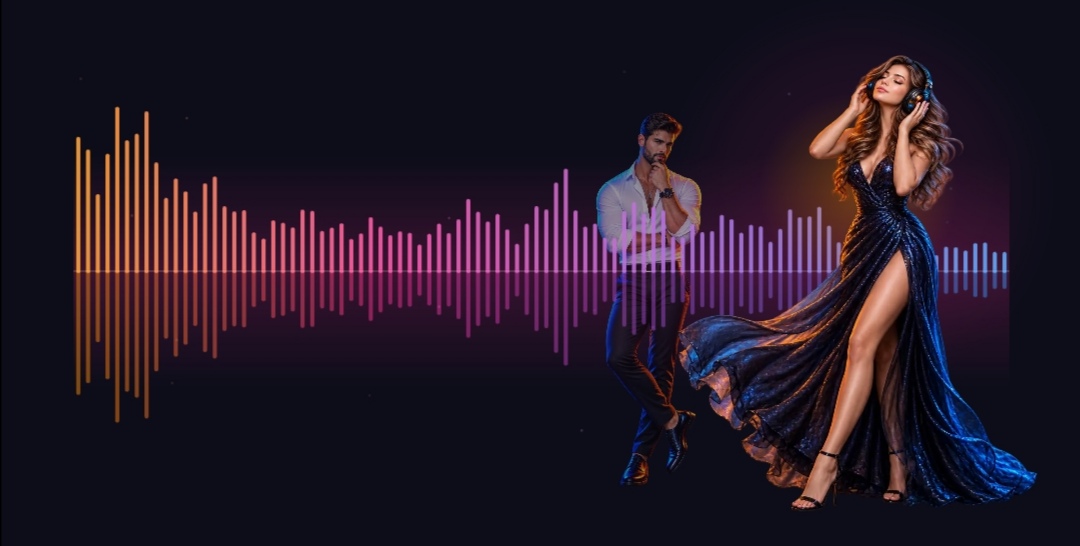
Headphones visualizer: the sound wave with two listeners lit by it, one in front of the bars and one behind

Headphones

The same wave with two listeners caught in it — one close to you, one further back behind the bars.

Sleep timer with 15, 30, 45 and 60 minute presets plus Share, Stop and Car Mode buttons
06 · Sleep Timer

Fall asleep to the radio, not with it on all night

Tap 🌙 Sleep Timer and choose 15, 30, 45 or 60 minutes — the radio fades out and stops on its own once you're asleep, saving battery and data.

The same row of tools includes Share to send the station you're enjoying to a friend, a full Stop button, and the 🚗 shortcut into Car Mode.

15m 30m 45m 60m Share station
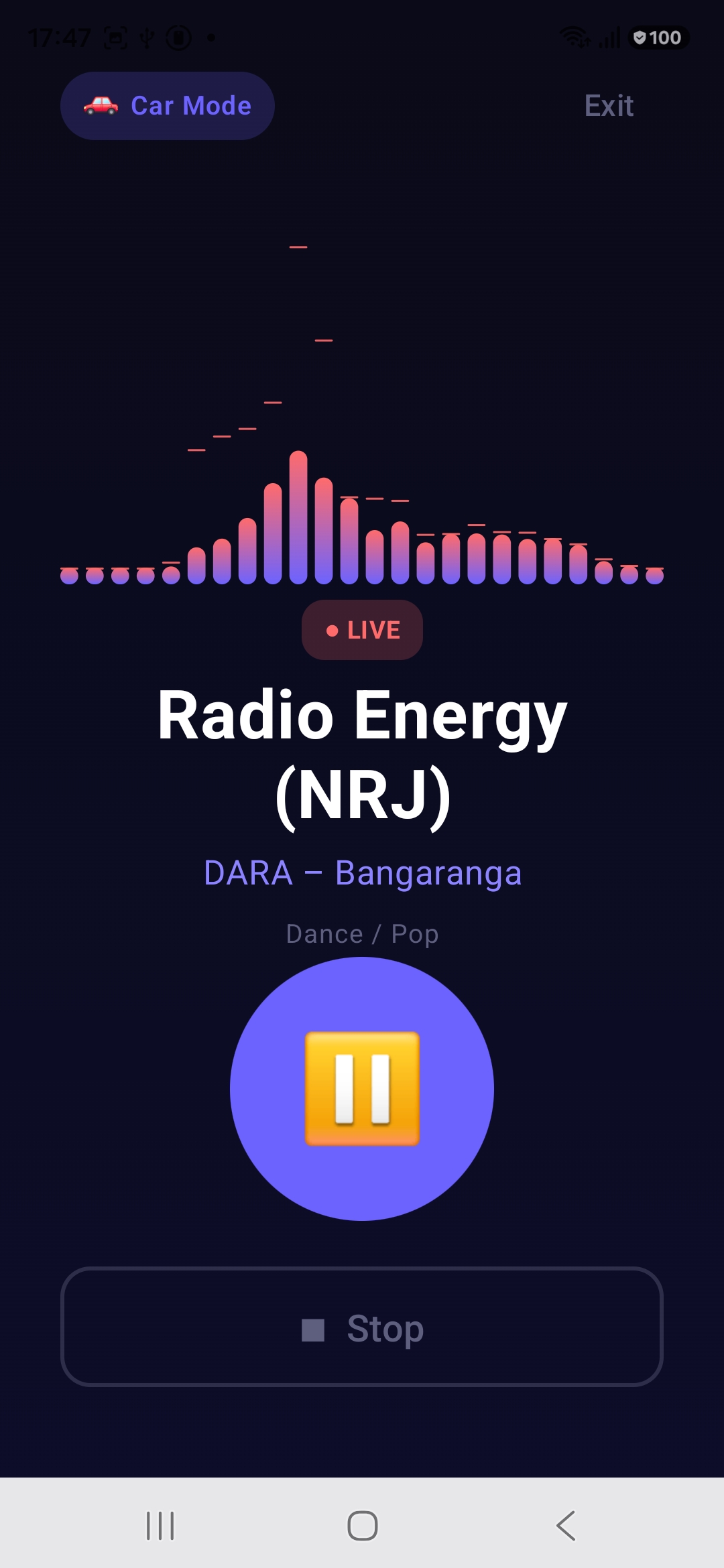
Car Mode with an oversized pause button, LIVE badge, large station name and a big Stop button
07 · Car Mode

Big buttons. Zero distraction.

On the road, small controls are dangerous. Car Mode strips the player down to what matters: a huge play/pause button you can hit without looking, the station name in oversized type, the current song, a LIVE badge and one big Stop button.

The visualizer keeps the screen alive while you drive, and Exit returns you to the full player the moment you park.

Oversized controls LIVE indicator Glance-friendly type
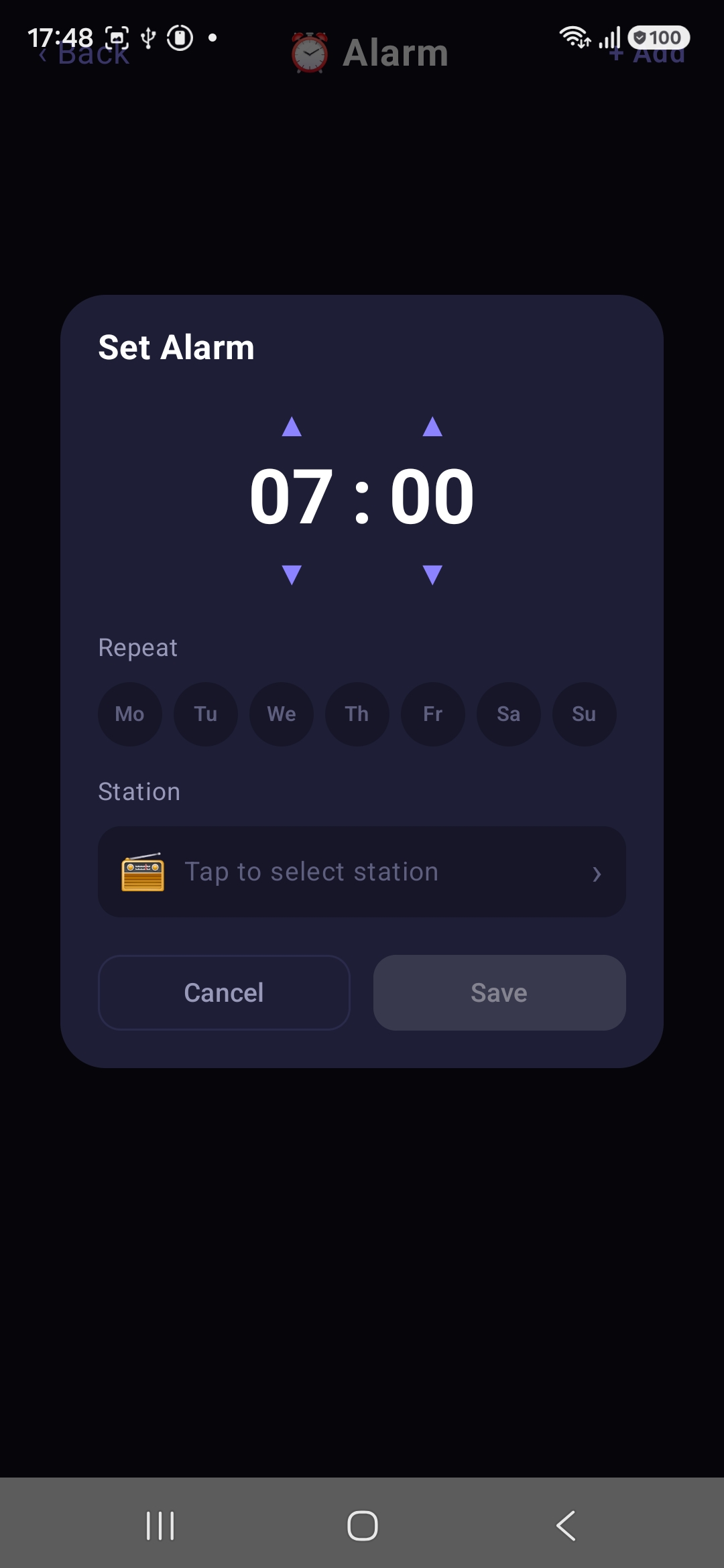
Set Alarm dialog with time picker, repeat days Monday to Sunday and radio station selection
08 · Radio Alarm Clock

Wake up to your favorite station

Forget the default beep. World Radio's alarm clock wakes you up with live radio: set the time, pick the days of the week to repeat — Monday through Sunday — and choose exactly which station starts playing.

Set it once for workday mornings, add another for the weekend, and every day starts with music instead of noise.

Any station Repeat by weekday Multiple alarms

Ready to tune in?

Thousands of live stations, a real equalizer and everything above — free, in 15 languages, on any Android phone.

Get it on Google Play